
a-sleek-digital-illustration-depicting-a_ztoVu1JzRGeIxPDM2m2LHw_C29ienXSTFWBDXe0Yh5aEg_sd

Cybersecurity in the Age of AI and Automation: Risks and Safeguards

As companies adopt Artificial Intelligence (AI), automation, and smart digital tools, efficiency often improves quickly. Tasks that once required hours can now be completed in minutes. Customer requests can be handled faster, reporting can become more accurate, and routine work can be reduced.

However, with every new digital system comes a new level of responsibility. Cybersecurity is no longer just an IT concern. It is now a business priority. When AI and automation are connected to company systems, emails, databases, and customer information, the impact of a security issue can spread rapidly.

Why Risk Levels Are Changing

Traditional cyber threats still exist, but AI and automation can increase the speed and scale of damage if controls are weak. A single compromised automation may process thousands of transactions before the issue is detected. An unsecured AI tool could expose sensitive company data if used incorrectly.

Some common risks include:

  • Unauthorized access – Bots or AI tools connected to business systems may become entry points if credentials are weak.
  • Data leaks – Sensitive customer or financial data may be exposed through unsecured tools or poor permissions.
  • Automated mistakes at scale – Incorrect logic or manipulated data can cause repeated errors quickly.
  • Phishing attacks enhanced by AI – Fraudulent emails and messages are becoming more convincing.
  • Third-party risks – External platforms and software providers may create indirect vulnerabilities.

A growing trend often called vibe coding refers to using AI tools to generate software quickly through simple prompts, often with limited review of the actual code. While this can speed up development, it also creates risks. Hidden security flaws, weak authentication, poor data handling, and unreliable integrations may be introduced without being noticed. If businesses use AI-generated code, it should always be reviewed, tested, and approved by experienced developers before going live.

How Businesses Can Protect Themselves

The good news is that these risks can be managed with practical planning. Security should be built into every automation or AI project from the start rather than added later.

1. Control Access Carefully

Only approved users and systems should have access to automation tools, bots, and AI platforms. Use multi-factor authentication wherever possible and review permissions regularly.

2. Protect Sensitive Data

Data should be encrypted, stored securely, and shared only when necessary. Businesses should define clear rules on what employees can upload into AI tools.

3. Monitor Automated Activity

Every automation should create logs showing what actions were taken, when they happened, and by which account. This helps detect unusual behavior quickly.

4. Keep Systems Updated

Old software often contains known weaknesses. Regular updates and patching reduce avoidable risks across connected systems.

5. Train Employees

Even strong technology can fail through human error. Staff should know how to identify suspicious emails, unsafe links, and poor data handling practices.

6. Review Vendors Carefully

Before adopting any external AI or automation platform, businesses should review security standards, privacy terms, and support capabilities.

AI Can Also Strengthen Cybersecurity

Interestingly, AI is not only a risk factor. It can also improve defense. Smart monitoring tools can detect unusual behavior, identify threats faster, and support security teams with quicker responses. Used correctly, AI can become part of the solution.

Conclusion

AI and automation are helping businesses become faster, more productive, and more competitive. But growth without protection can create costly problems. Cybersecurity must move alongside innovation.

Organizations that combine smart technology with strong safeguards will gain the benefits of automation while reducing unnecessary risk. The goal is not to avoid progress, but to secure it.

Moving Forward

In the next article, we will explore how AI and automation can transform customer experience and how businesses can improve service quality, response times, and customer satisfaction through the smart use of digital tools.
Real Time Analytics and Automation

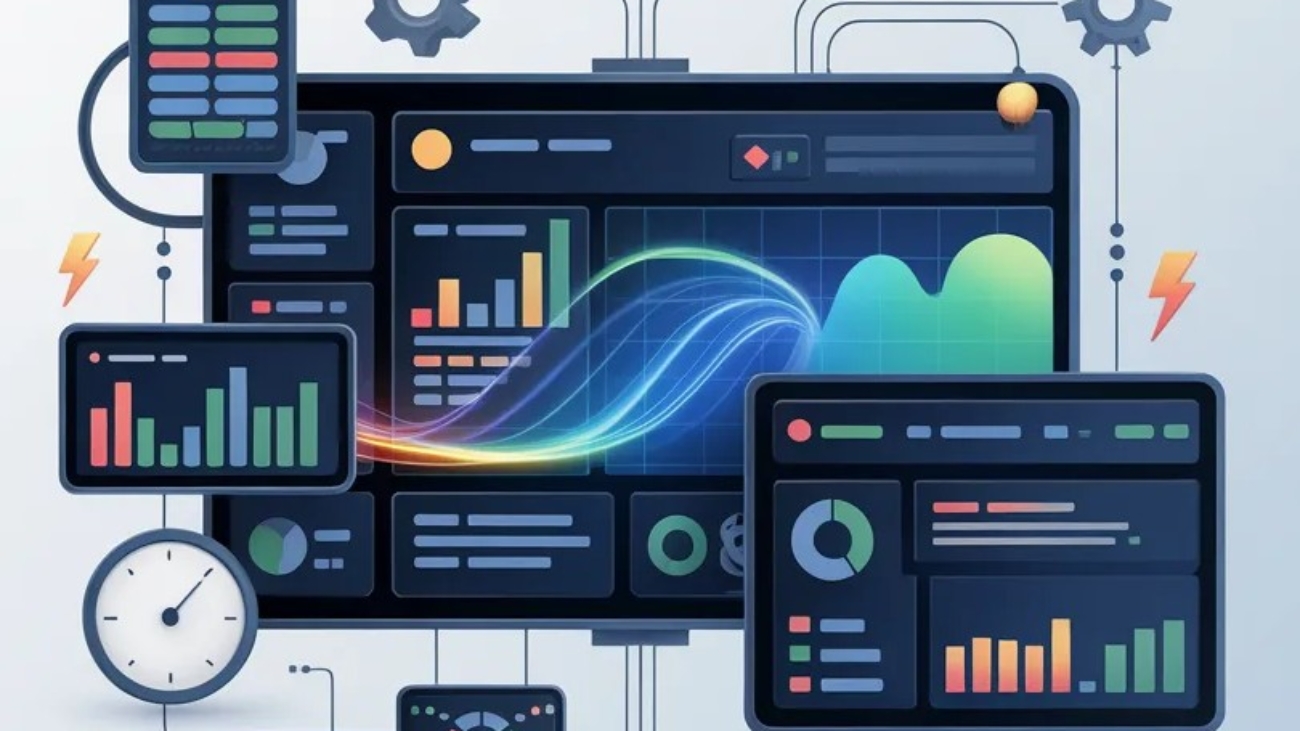
Real-Time Analytics and Automation: Powering Faster Decision-Making

Many organizations still base their decisions on yesterday’s data. Reports are generated, reviewed, and acted upon long after events have already moved on. This delay can lead to missed opportunities and slow responses to critical situations. Real-time analytics combined with automation changes this dynamic by enabling businesses to act immediately, with confidence and accuracy.

At its core, real-time analytics processes data as it is created, while automation ensures that the right actions follow without delay. Together, they form a powerful approach that supports faster, more informed decision-making across all levels of an organization.

Why Real-Time Matters More Than Ever

Speed is no longer a luxury; it is a requirement. Customers expect quick responses, markets shift rapidly, and operational issues need immediate attention. Relying on manual processes or delayed reporting can create gaps that affect performance.

Automation tools, including Robotic Process Automation (RPA), already improve efficiency by handling repetitive tasks and reducing errors. When combined with real-time data, these tools go a step further by not only executing tasks but also reacting instantly to changing conditions.

How Real-Time Analytics and Automation Work Together

The combination of these two capabilities creates a continuous loop:

  • Data is captured instantly from systems, applications, or user interactions
  • Analytics engines process and interpret this data in real time
  • Automated workflows trigger actions based on predefined rules
  • Results are monitored and fed back into the system for ongoing improvement

This cycle ensures that businesses are not just observing what is happening, but they are responding to it immediately.

Key Benefits for Organizations

Organizations that adopt this approach often see clear improvements:

  • Faster Decision-Making: Leaders no longer need to wait for reports. Insights are available instantly, allowing quick and informed actions.
  • Improved Operational Efficiency: Automated responses reduce manual intervention, saving time and minimizing delays.
  • Higher Accuracy: Automation reduces human error, while real-time data ensures decisions are based on current information.
  • Better Customer Experience: Immediate responses to customer needs lead to faster service and higher satisfaction.
  • Proactive Problem Solving: Issues can be identified and addressed before they escalate, rather than reacting after the fact.

Practical Use Cases

Real-time analytics and automation can be applied across various functions:

  • Customer Support: Automatically route and respond to customer inquiries based on real-time sentiment or urgency.
  • Finance Operations: Detect unusual transactions instantly and trigger compliance checks or alerts.
  • Supply Chain Management: Adjust inventory levels or delivery schedules based on live demand data.
  • IT Operations: Monitor system performance and automatically resolve common issues before users are affected.

These examples highlight how combining immediate insights with automated actions can streamline processes and improve outcomes.

What to Consider Before Implementation

While the benefits are clear, a thoughtful approach is important:

  • Start with processes that are time-sensitive and data-driven
  • Ensure systems can integrate smoothly to support continuous data flow
  • Define clear rules for automation to avoid unnecessary actions
  • Monitor performance and refine workflows over time

It’s also important to remember that not every decision should be automated. A balanced approach, where automation supports human judgment often delivers the best results.

Conclusion

Real-time analytics and automation are not just about speed; they are about making better decisions when it matters most. By combining immediate insights with automated execution, organizations can respond faster, operate more efficiently, and stay ahead in a competitive environment.

As businesses continue to invest in digital transformation, this combination will play a central role in shaping how decisions are made and how quickly value is delivered.

Moving Forward

In the next article, we will explore Cybersecurity in the Age of AI and Automation: Risks and Safeguards, focusing on how organizations can protect their systems while embracing automation and intelligent technologies.

64e740398df5d2aa880e806c_doc_data_extraction

Intelligent Document Processing (IDP): Automating the World of Unstructured Data

Every organization deals with documents, emails, invoices, contracts, forms, and more. While structured data fits neatly into systems, a large portion of business information exists in unstructured formats. This is where Intelligent Document Processing (IDP) comes into play, extending the value of automation beyond traditional rule-based tasks.

IDP combines automation with data recognition capabilities to extract, interpret, and process information from documents. It builds on the foundations of Robotic Process Automation (RPA), allowing businesses to handle documents that previously required manual review. As highlighted in earlier discussions on automation, choosing the right processes and tools is essential to achieving meaningful efficiency gains.

What Makes IDP Different?

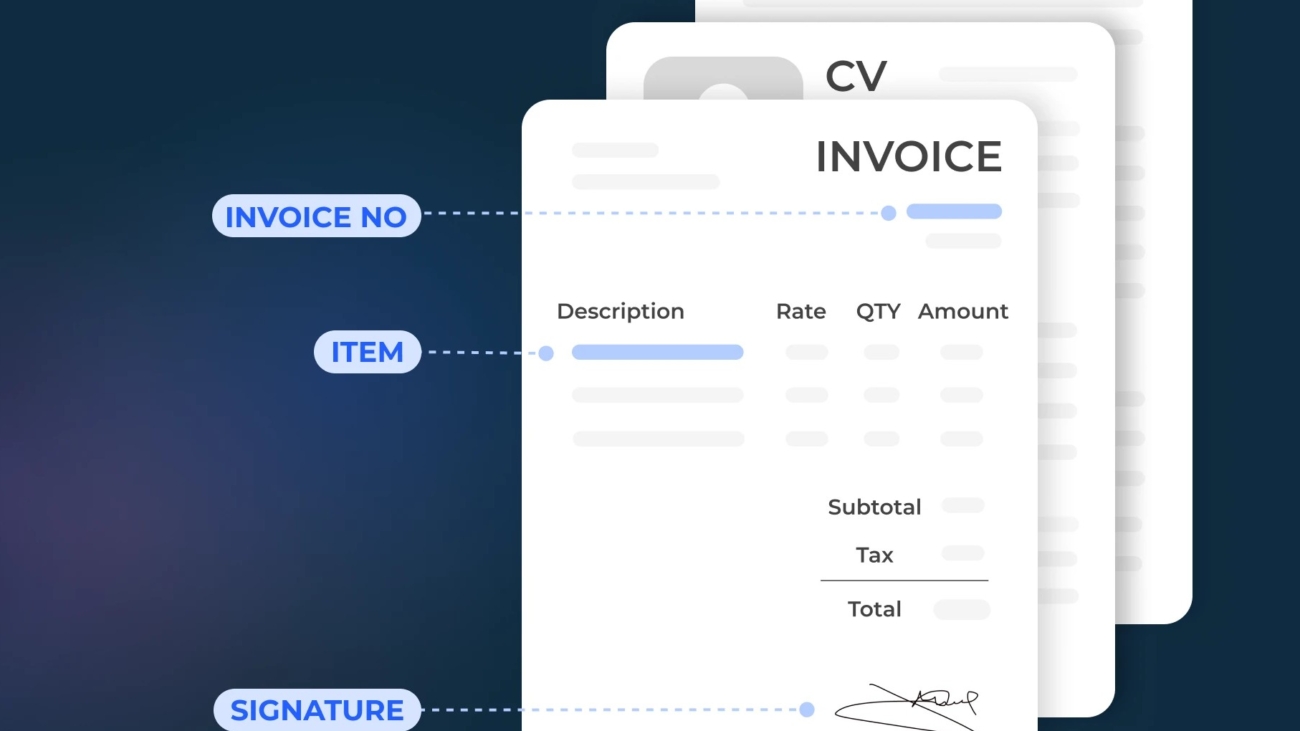
Unlike basic automation, IDP can understand content rather than just follow fixed rules. It can read documents, identify key information, and categorize data based on context.

Here’s what IDP brings to the table:

  • Data Extraction from Complex Documents IDP can pull relevant details from invoices, contracts, and emails, even when formats vary.
  • Classification and Organization Documents are automatically sorted and routed to the right workflows, reducing manual handling.
  • Error Reduction By minimizing manual input, IDP improves accuracy and consistency across processes.
  • Continuous Improvement The system becomes more effective over time as it processes more documents.

Where IDP Delivers Immediate Value

Many business processes rely heavily on document handling. IDP enhances these processes by reducing delays and improving data availability.

Common use cases include:

  • Invoice Processing: Extracting key fields like supplier name, amount, and due date without manual entry.
  • Customer Onboarding: Processing identification documents and forms quickly and accurately.
  • Contract Management: Identifying important clauses and tracking obligations automatically.
  • Email Handling: Sorting and prioritizing incoming requests based on content.

These applications align closely with areas already benefiting from automation, such as data entry and reporting, where reducing manual effort leads to measurable efficiency improvements.

How IDP Works with RPA

IDP does not replace RPA, it complements it.

Think of IDP as the “reader” and RPA as the “doer”:

  • IDP extracts and understands information from documents
  • RPA takes that information and performs actions, such as updating systems or triggering workflows

Together, they create a more complete automation solution that can handle both structured and unstructured data.

Key Benefits for Businesses

Adopting IDP can significantly improve how organizations manage information:

  • Faster Processing Times: Documents are handled in minutes instead of hours or days.
  • Improved Decision-Making: Accurate data becomes available sooner, supporting better operational decisions.
  • Scalability: As document volumes grow, IDP can handle increased workloads without additional staff.
  • Better Customer Experience: Faster responses and fewer errors lead to improved service quality.

Getting Started with IDP

For organizations considering IDP, a practical approach is key:

  1. Identify document-heavy processes with high manual effort
  2. Start with a focused use case, such as invoice or form processing
  3. Integrate with existing automation tools to maximize value
  4. Monitor performance and refine workflows over time

This structured approach ensures that IDP delivers measurable results without unnecessary complexity.

Conclusion

Intelligent Document Processing expands what automation can achieve by addressing one of the most common business challenges: handling unstructured data. By combining document understanding with automated workflows, organizations can reduce manual effort, improve accuracy, and speed up operations.

As businesses continue to adopt automation, IDP plays a critical role in unlocking efficiencies that were previously out of reach.

Moving Forward

In the next article, we will explore Real-Time Analytics and Automation: Powering Faster Decision-Making, focusing on how instant data insights combined with automation can help organizations respond quickly and make more informed choices.